
Paint Calculator UK – Wall & Ceiling Coverage & Tins Estimator Guide
A simple guide to working out how much paint you need for walls, ceilings and feature areas. Learn how to measure rooms, choose coverage, allow for coats and wastage, and turn the numbers into litres and tins.
Use this UK-ready paint calculator and guide to plan decorating jobs more accurately. Enter wall and ceiling sizes, pick the number of coats, and add your chosen paint coverage to see a quick estimate of litres, tins and paint budget before you order materials.
Recommended Tools & Materials for Painting Walls & Ceilings
These tools and materials make painting faster, cleaner, and easier. Links open in a new tab.
- Interior Emulsion Paint – Travis Perkins – main wall and ceiling paints in white and popular colours.
- Roller Sets & Trays – Amazon – ideal kit for rolling out large wall and ceiling areas quickly.
- Cutting-In Brushes – Amazon – for edges, corners and detail work around sockets and trims.
- Decorators Caulk & Filler kit – Amazon – fill cracks, gaps and small holes before painting.
- Masking Tape – Amazon – protect skirting, sockets, frames and other trims from paint.
- Dust Sheets & Floor Protection – Amazon – keep carpets, floors and furniture covered during the job.
- Step Ladders & Platforms – Amazon – safely reach high ceilings and stairwell walls.
Affiliate Disclosure: Some links above are affiliate links. If you buy through them, SmartBuildCalc may earn a small commission at no extra cost to you. This helps keep our calculators and guides free to use.
How the Paint Calculator Works
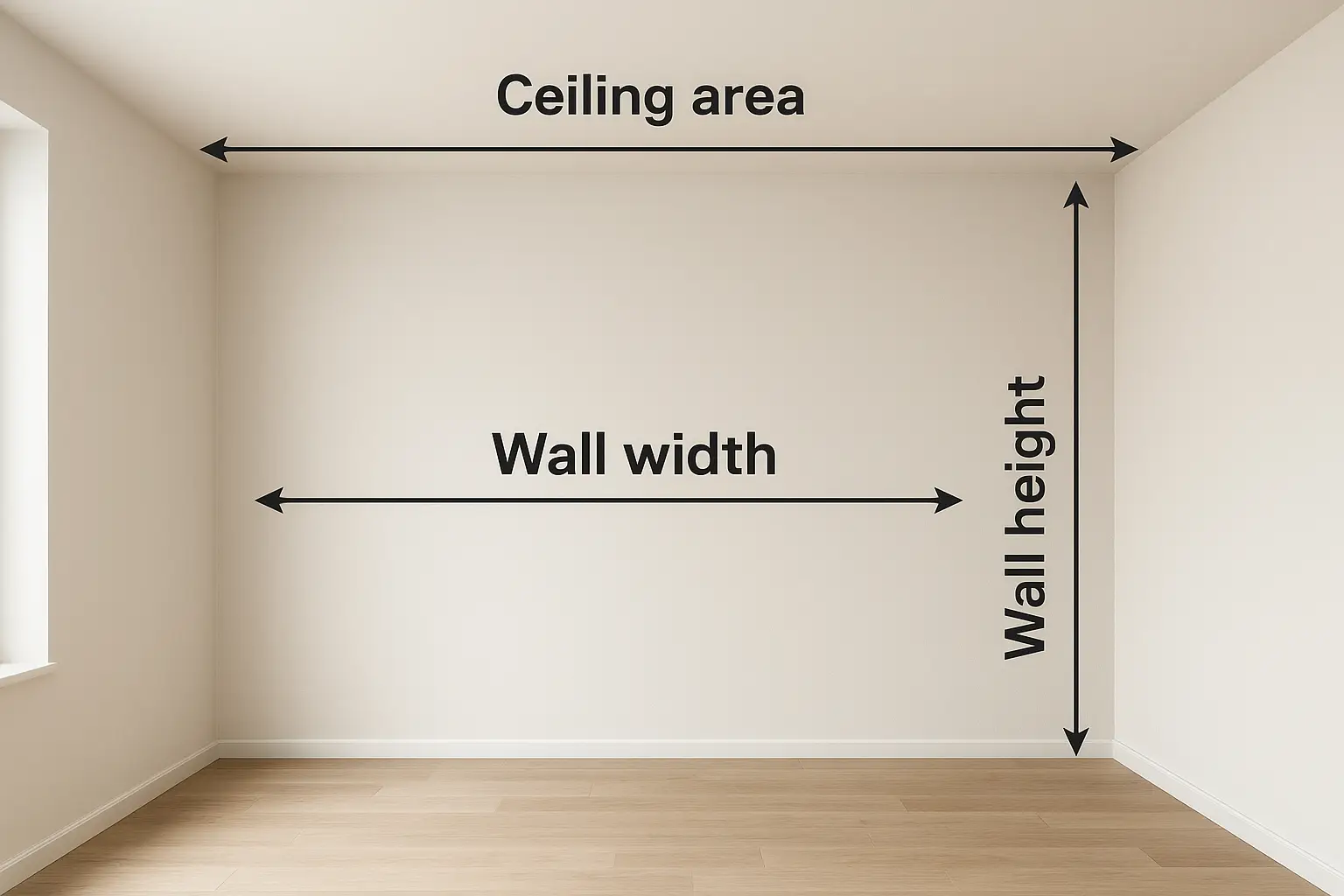
The paint calculator works out the total area to be painted, then uses your chosen number of coats and paint coverage in m² per litre to estimate how many litres of paint you need. You can also add a wastage percentage for cut-ins, touch-ups and the paint left in trays and rollers.
Enter your wall sizes or total area, pick coats and coverage, and the calculator shows litres, tins and cost instantly.
Typical Paint Coverage & Number of Coats
Actual coverage depends on brand, colour, and surface condition, but these ranges are a good starting point when filling in the calculator. Always read the tin and adjust the coverage value to match the product you’re using.
| Surface & Paint Type | Typical Coats | Approx Coverage (m² per litre) | Notes |
|---|---|---|---|
| Previously painted plaster wall – matt emulsion | 2 coats | 11–14 m²/L | Sound, light colours usually cover well; darker colours may need an extra coat. |
| Bare plaster – mist coat + matt emulsion | 1 mist coat + 2 coats | 8–12 m²/L | Thin the first coat as a mist; bare plaster soaks in more paint than finished surfaces. |
| Masonry walls – exterior masonry paint | 2 coats | 6–10 m²/L | Rough render and blockwork reduce coverage; windy and hot days can dry paint faster. |
| Woodwork – primer/undercoat + satin or gloss | 1 undercoat + 2 top coats | 10–12 m²/L | Sand between coats for a smooth finish; spot-prime bare timber and knots. |
| Ceilings – white matt emulsion | 2 coats | 11–14 m²/L | Cut in first, then roll in one direction, then cross-roll to even out the finish. |
Example Paint Calculation for a Typical UK Room
Example room: 4 m long × 3 m wide × 2.4 m high, with one standard door and one window.
Common Mistakes When Estimating Paint
- Forgetting to include ceilings or feature walls in the area calculation.
- Using the same coverage value for rough masonry as for smooth plastered walls.
- Not allowing any extra for wastage, cut-ins and touch-ups later in the job.
- Ignoring strong colour changes (dark to light or light to dark) which often need an extra coat.
- Mixing different paint finishes (matt, silk, soft sheen) on the same wall and expecting them to blend.
How to Use the SmartBuildCalc Paint Calculator
- Select either Simple mode (if you already know the total m²) or Room mode.
- In Room mode, add your walls one by one using length × height, then add the ceiling size if you’re painting it.
- Tick the box to subtract doors and windows, or leave it off if you prefer to estimate them manually.
- Choose how many coats you plan to apply. Two coats is standard for most walls.
- Enter the coverage from the paint tin (m² per litre) and add a wastage percentage (10–15% is common).
- Set your tin size (for example 2.5 L or 5 L) and optional price per tin to see an estimated paint cost.
- Press Calculate to see litres, tins and cost, or use Copy Results to drop the summary into a quote or email.
Related SmartBuildCalc Calculators
Before You Start Painting
Good preparation saves time and paint. Clean down greasy areas, sand flaking paint, and fill cracks and gaps before you open a tin. Protect floors and furniture with dust sheets and tape off trims and fittings you don’t want to hit.
Use the paint calculator to order enough paint in one go, ideally from the same batch. This keeps the colour consistent and avoids patchy finishes if you have to mix in extra later.
